
Quick Gallery - photo editor3.3.10 - Google Play
You'll be able to see results in few seconds.
Publisher Description
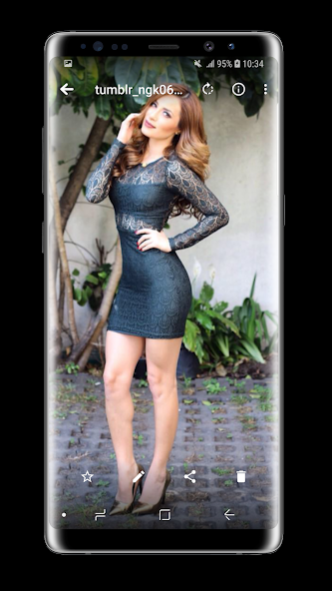
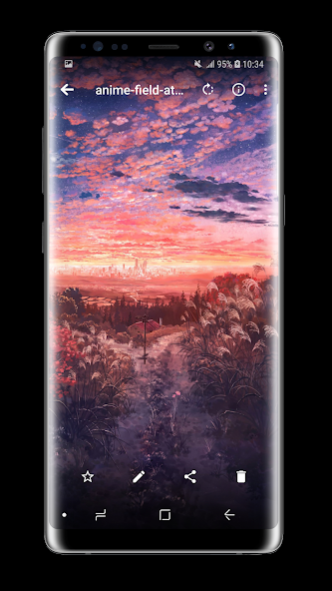
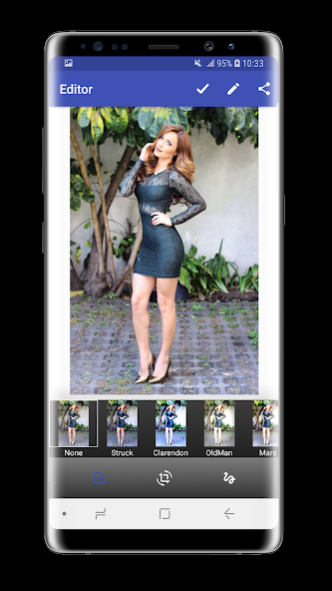
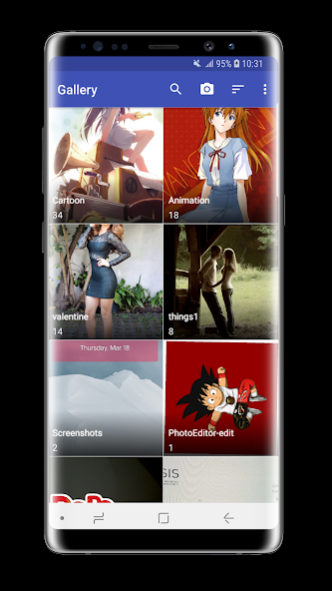
Fast, Simple, Powerful and Private Gallery.
Quick Gallery - photo editor is an excellent, feature-rich app for organizing your photos. Password-protect your photos, organize them, display them slide-show style, share photos via email or social networks. it is smart gallery, format galleries, collection Gallery with this android Gallery.
A beautiful and simple user interface
Combining the beautiful look of material design and the simplicity of iPhone style design philosophy, we made the app a great pleasure to look at and to use. Enjoy the best part from both worlds in one app.
Customise your gallery with a big collection of beautiful themes.
Automatically organise your photos
• Automatically organize all of your photos and videos according to your events, date, time, and location into album.
• For the classic photo gallery feel, the Gallery view has all of your photos and videos in one slick gallery view.
• Use the Moments view for a more unique, collage like view based around events, date, and location.
Hide your private photos in a password locked secure vault
Protect your privacy. Move photos and videos you want to keep secret to the secure vault. The hidden photos and videos won't be visible in the system gallery and all other apps. Only you can see the photos by entering the password.
Hide/exclude private folders.
Passcode for hidden pics.
Share
• Easily share groups of photos and videos from your gallery, with just a tap!
• Share album with ease to all of your favourite social networks.
Highlight great shots and identity similar photos
• Smart Mode - Create a more personalized photo album that highlights the best photos in your photo gallery, identifies similar shots, and centers photo thumbnails around smiling faces!
• Intelligent notifications - Have Gallery help you rediscover those photos from your trip abroad last month, your kids’ birthday last year, or any important memory that’s been lost in your gallery.
Keep all of your photos and videos safe in one place
• A gallery that's not backed up is a sad photo gallery!
• Integrate Gallery with your Google Photos (Picasa) so you can view and manage all of your photos & videos in one cloud gallery.
View your gallery on your wrist
Gallery offers the first ever photo gallery created for smartwatches. With Gallery on Android Wear, you can:
• View or Delete your gallery photos - all from your smartwatch!
• Share photos and albums directly to Facebook, on the fly.
• Photo Notifications - Easily access your latest photos from your gallery with just a tap.
About Quick Gallery - photo editor
The company that develops Quick Gallery - photo editor is TINY ENTERTAINMENT. The latest version released by its developer is 3.3.10.
To install Quick Gallery - photo editor on your Android device, just click the green Continue To App button above to start the installation process. The app is listed on our website since 2023-06-23 and was downloaded 0 times. We have already checked if the download link is safe, however for your own protection we recommend that you scan the downloaded app with your antivirus. Your antivirus may detect the Quick Gallery - photo editor as malware as malware if the download link to com.quickpicplus.gallery.photohd is broken.
How to install Quick Gallery - photo editor on your Android device:
- Click on the Continue To App button on our website. This will redirect you to Google Play.
- Once the Quick Gallery - photo editor is shown in the Google Play listing of your Android device, you can start its download and installation. Tap on the Install button located below the search bar and to the right of the app icon.
- A pop-up window with the permissions required by Quick Gallery - photo editor will be shown. Click on Accept to continue the process.
- Quick Gallery - photo editor will be downloaded onto your device, displaying a progress. Once the download completes, the installation will start and you'll get a notification after the installation is finished.
Program Details
System requirements
Download information
Pricing
Version History
version 3.3.10
posted on 2023-06-23
Version 3.3.10:
Allow resizing multiple images at once
Try harder at keeping last modified values at some file operations
Allow changing the apps language on Android 13+
Added some translation, stability, UX and UI improvements
Disclaimer
Official Google Play Link
We do not host Quick Gallery - photo editor on our servers. We did not scan it for viruses, adware, spyware or other type of malware. This app is hosted by Google and passed their terms and conditions to be listed there. We recommend caution when installing it.
The Google Play link for Quick Gallery - photo editor is provided to you by apps112.com without any warranties, representations or guarantees of any kind, so access it at your own risk.
If you have questions regarding this particular app contact the publisher directly. For questions about the functionalities of apps112.com contact us.
